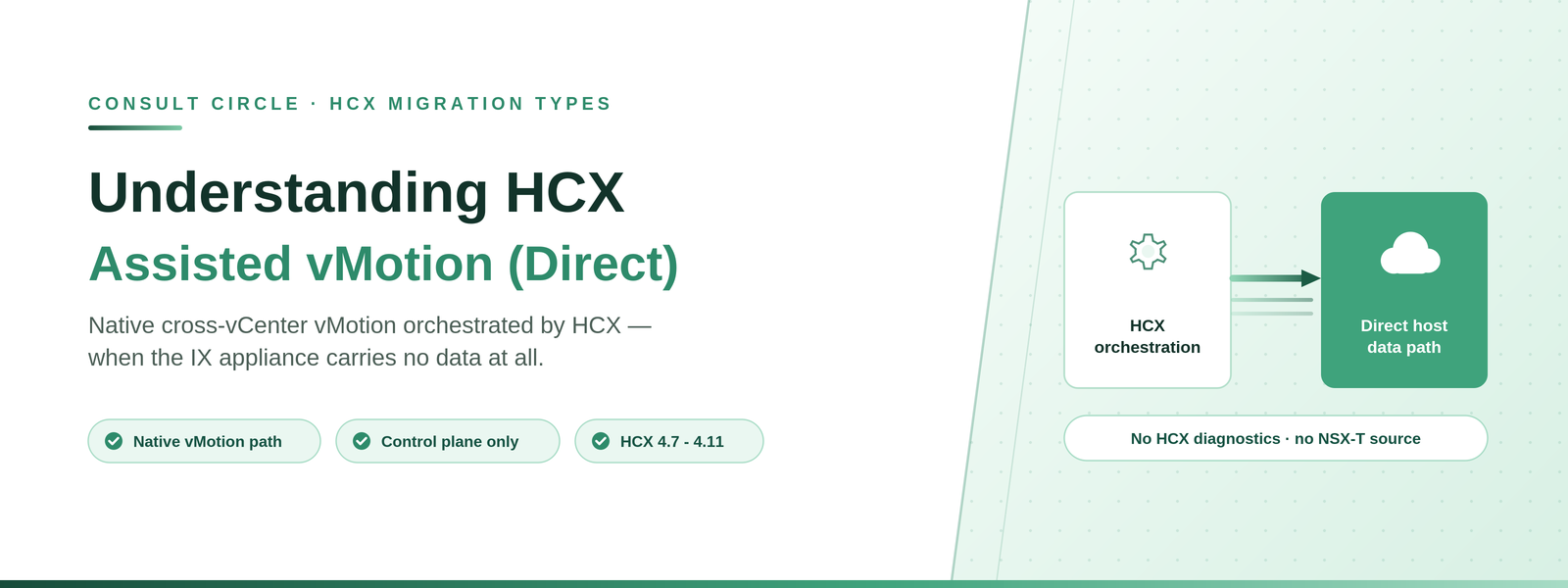
Native cross-vCenter vMotion orchestrated by HCX - when the IX appliance carries no data at all, and what that costs you.
HCX Assisted vMotion (Direct) provides support for native vSphere cross-vCenter vMotion. Rather than moving data through the HCX Interconnect, a direct data path is established over the underlying management network between the ESXi hosts associated with the source and destination vCenters. HCX orchestrates the flow between the HCX Managers at each end.
This makes it structurally different from every other HCX migration type. If you configure a site pair with only this migration type enabled, HCX establishes management plane connectivity, creates a Service Mesh and deploys the HCX-IX appliance - but the IX appliance is used only for HCX control plane communication, not for migration traffic.
When this is the right choice: where source and destination vCenters already have a working native cross-vCenter vMotion path and you want HCX orchestration, inventory and mobility group workflow on top of it, without routing data through the Interconnect. Applies to HCX 4.7 - 4.11.
Narrow fit, quick answer
We will tell you in one call whether this method suits you
This method suits a narrow set of environments. A short review settles it before you design around it.
Book a free 30-minute callHow It Works
- Enable HCX Assisted vMotion (Direct) during Service Mesh configuration.
- In the Migration interface, create a Mobility Group for the selected workloads.
- Select HCX Assisted vMotion (Direct) as the migration type and configure the transfer, placement and extended options.
- HCX validates the configuration.
- Start the migration.
- HCX initiates the migration using native cross-vCenter vMotion.
- HCX displays the status of the migration operation.
Requirements
- A dedicated vSphere vMotion data path must be set up between the source and target ESXi hosts.
- Standard switches at source and target clusters must have matching security policies and matching teaming and failover policies.
- The Distributed Virtual Switch version must be the same at source and destination sites.
- Source and target sites must be running vSphere 6.7 or later.
- Virtual machines must be running Hardware Version 4 or later - a notably lower bar than the other migration types.
- VMware Tools must be installed on the virtual machine.
- All native cross-vCenter vMotion dependencies and port requirements must be satisfied. Broadcom KB 2106952 is the reference.
Migrating Encrypted Virtual Machines
- The KMS used to encrypt the source virtual machine must be present at the target site, regardless of the default KMS at either end.
- The name and IP address of the KMS must match between source and target.
- Source and target sites must be running vSphere 7.0 or later.
Restrictions
| Restriction | Why it matters |
|---|---|
| HCX diagnostics are not available | You lose the HCX troubleshooting tooling you would use for any other migration type. Problems are diagnosed as native vMotion problems |
| NSX-T backed segments not supported | Migration is not supported when the source virtual machine is on an NSX-T-backed segment. This rules the method out for many modern estates |
| Opaque networks not supported | Migration is not supported when the source virtual machine is attached to an opaque network |
| Not available for VMware Cloud on AWS | HCX Assisted vMotion is not available on VMC on AWS |
| DvFilter configurations | Virtual machines with DvFilter configurations are not supported |
| I/O Filter policies | Virtual machines with I/O Filter policies applied are not supported |
| Mounted ISO images | Cannot be migrated. Bulk Migration can force unmount them |
| Shared disk configurations | Shared SCSI bus, multi-writer flag, Fault Tolerance and shared VMDK disk sharing are unsupported |
| Concurrency cap | HCX applies a maximum of 50 concurrent relocation operations per HCX Manager to avoid overloading vCenter Server |
| Native limits apply | All native cross-vCenter vMotion limitations and restrictions relating to scale and concurrency apply |
Avoid concurrent hardware upgrades. It is documented best practice not to schedule virtual machine hardware upgrades in the source vCenter while migrations are running through HCX.
Procedure
- In the HCX interface, go to Services and then Migration.
- Select Migrate Virtual Machines.
- Choose the Remote Site Connection for the destination.
- From the Migration Profile, select HCX Assisted vMotion (Direct).
- Select the virtual machines from the inventory list.
- Set the Transfer and Placement, Switchover, Interconnect Service Mesh and Extended options.
- Map the destination network for each virtual machine and confirm.
- Run Validation.
- Click Go, then monitor progress from the same Migration view.
Things to Watch Out For
- No HCX diagnostics is a significant trade-off. When a migration misbehaves, you are troubleshooting native cross-vCenter vMotion without the HCX tooling. Budget more time for investigation, and make sure whoever runs the migration is comfortable at that layer.
- NSX-T segments rule it out. If the source workloads sit on NSX-T-backed segments - increasingly the default - this method is unavailable and you need RAV or Bulk Migration instead.
- The dependency list is native, not HCX. The prerequisites live in the vSphere cross-vCenter vMotion documentation, including the port requirements. Verify them independently of your HCX firewall specification.
- DVS versions must match. A version mismatch between source and destination distributed switches will block migration, and it is a change that needs its own planning.
- 50 concurrent relocations per HCX Manager. A deliberate cap to protect vCenter. Size waves against it rather than against what the link could carry.
Frequently Asked Questions
What is HCX Assisted vMotion (Direct)?
A migration type where HCX orchestrates native vSphere cross-vCenter vMotion. The data path runs directly between source and destination ESXi hosts over the management network, and the HCX-IX appliance is used only for control plane communication.
Does HCX Assisted vMotion (Direct) use the HCX Interconnect for data?
No. If the site pair is configured with only this migration type, the IX appliance is deployed but carries only HCX control plane traffic. Migration data uses the native vMotion path between hosts.
Can I use HCX Assisted vMotion (Direct) with NSX-T?
No. Migration is not supported when the source virtual machine is on an NSX-T-backed segment, or when it is attached to an opaque network.
Is HCX Assisted vMotion available on VMware Cloud on AWS?
No. HCX Assisted vMotion is not available for VMware Cloud on AWS.
How many concurrent migrations does it support?
HCX applies a maximum of 50 concurrent relocation operations per HCX Manager to avoid overloading vCenter Server, and all native cross-vCenter vMotion scale and concurrency limits also apply.
Talk to Consult Circle
Method selection is the first decision in any VCF migration programme, and we make it workload by workload. See also our VMware HCX services.
Consult Circle
Book a free 30-minute call
0203 916 5593 · info@consultcircle.com
Talk to a migration consultant