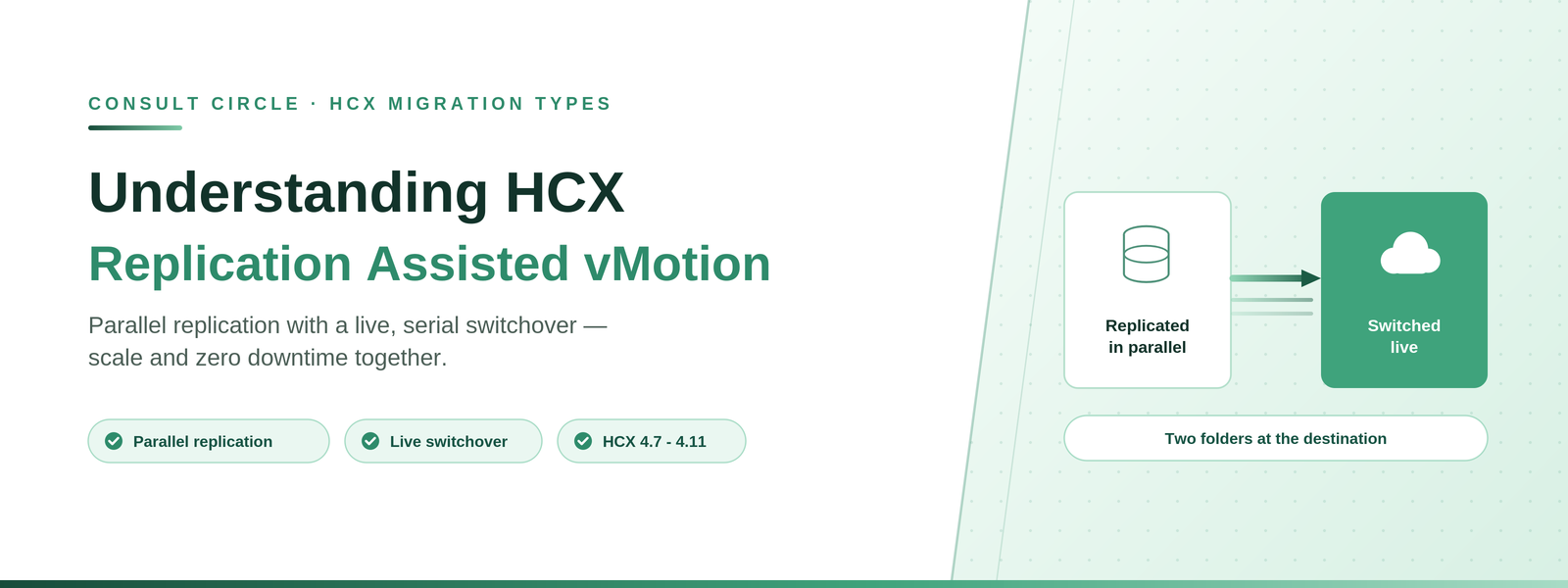
Parallel replication with a live, serial switchover - large-scale zero-downtime migration, and the two-folder behaviour nobody expects.
HCX Replication Assisted vMotion (RAV) combines replication and vMotion technologies to deliver large-scale, parallel migrations with zero downtime. Replication runs concurrently across many virtual machines; the live switchover then happens serially, in a window you choose.
It is the answer when you need vMotion zero downtime but Bulk Migration scale, and it is the migration type most often under-used because teams assume they have to pick one or the other.
Applies to HCX 4.7 - 4.11, grouped by Broadcom as "VMware HCX 4.11 and Earlier". HCX ships inside VCF 9.0 onward with its own documentation set. Reference used: VMware HCX User Guide 4.11, Migrating Virtual Machines.
Zero downtime at scale
We will tell you which workloads qualify for RAV
RAV is the most under-used HCX migration type. A short assessment identifies where it applies in your estate.
Book a free 30-minute callWhat RAV Gives You
- Large-scale live mobility. Submit large sets of virtual machines for live migration in one operation.
- A switchover window. Specify when the switchover happens rather than taking it when replication finishes.
- Continuous replication. After the initial sync, delta changes continue replicating until the switchover window arrives.
- Concurrency. Multiple virtual machines replicate simultaneously. When the switchover window is reached, a delta vMotion cycle performs a quick live switchover - serially.
- Resilience. RAV migrations tolerate latency and varied network and service conditions during initial sync and continuous replication.
- Bigger switchovers in smaller windows. Because the bulk of the data moved by replication, the delta vMotion cycles are short, so more machines fit into one maintenance window.
How RAV Works
- Replication performs a full synchronisation of the virtual machine disks to the destination.
- Migrated virtual machines enter a continuous synchronisation cycle until switchover is triggered.
- Depending on churn, additional snapshots are created during each RPO cycle. After each cycle, consolidation creates a replica instance VMDK (hbrdisk.RDID) on the target datastore.
- Switchover starts immediately after the initial sync, or waits for a scheduled time. If scheduled, synchronisation continues until then.
- The final delta synchronisation begins when switchover starts. vMotion is engaged to migrate the disk delta and the virtual machine state.
- As the final step, the source virtual machine is removed and the migrated machine is connected to the network and powered on.
RAV creates two folders at the destination. One holds the virtual machine infrastructure definition, the other holds the disk information. This is normal RAV behaviour and does not affect the virtual machine. It can, however, affect applications that expect a single virtual machine folder - backup tools in particular. If that matters, consolidate the two folders with Storage vMotion after migration.
Requirements
- HCX Interconnect tunnels must be up and active.
- RAV requires 150 Mbps or higher throughput capability.
- Virtual machine hardware version must be 9 or higher.
- The underlying architecture must be x86.
- Hybrid Interconnect and Replication Assisted vMotion services must be activated and healthy in the Service Mesh.
- Resources to create, power on and run the virtual machine must be available at the destination.
- Virtual machines must reside in a Service Cluster defined in the Compute Profile.
- RAV uses vSphere Replication, so throughput varies with bandwidth, latency, available CPU, memory and IOPS, and disk read speed.
- VMware NFC is used as a secondary protocol, routed through the HCX Management interface.
Restrictions
RAV carries the largest restriction list of the vSphere-to-vSphere migration types, and several entries are specific to it.
| Restriction | Detail |
|---|---|
| Independent disks | Independent persistent and independent non-persistent disks are not supported, because snapshots of such machines do not produce the delta disks RAV requires |
| vVOL datastores | Migration to or from vVOL datastores is not supported |
| RDM | Physical compatibility mode RDMs cannot be migrated. Virtual compatibility mode RDMs cannot be migrated using RAV or vMotion |
| VMFS6 target | RAV migration to VMFS6 target datastores requires vSphere 6.5U3f or vSphere 6.7U3 as a minimum at the target site |
| Fault Tolerance | Turn FT off temporarily, run the RAV migration, then turn it back on |
| Serial switchover | Live switchover of concurrent RAV migrations runs serially, even though replication is parallel |
| vNVMe controllers | Virtual machines using virtual NVMe controllers cannot be migrated |
| Snapshots | Virtual machine snapshots cannot be migrated |
| Other | Shared SCSI bus, multi-writer, shared VMDK, attached ISOs, hardware version 8 or earlier, DirectPath I/O, VLAN trunk port groups, VMware software appliances, vSphere VM Encryption, attached serial ports and VBS are all unsupported |
Single vCenter Operation and MAC Addresses
RAV can be used within a single vCenter Server, with HCX Connector and HCX Cloud Manager deployed to serve different clusters in the same vCenter. Configuration is otherwise unchanged - Compute Profile and Service Mesh as normal.
Duplicate MAC addresses are strictly prohibited in a single vCenter environment, which produces a specific conflict:
- With RAV: HCX creates a temporary shadow virtual machine on the destination host during delta sync. If the network adapter MAC assignment is set to Automatic, vCenter flags the overlap as a conflict and assigns a new MAC address at the next power cycle.
- With Bulk Migration: the original powered-off virtual machine retains its MAC assignment in the vCenter database, so vCenter forces the new destination machine to take a different address.
If MAC preservation matters: in single vCenter deployments, plan for the MAC address to change and audit anything licensed or firewalled against it. Broadcom knowledge base article 415574 covers this behaviour.
Procedure
- In the HCX interface, go to Services and then Migration.
- Select Migrate Virtual Machines.
- Choose the Remote Site Connection for the destination.
- From the Migration Profile, select RAV.
- Select the virtual machines from the inventory list.
- Set the Transfer and Placement, Switchover, Interconnect Service Mesh and Extended options.
- Map the destination network for each virtual machine and confirm.
- Run Validation.
- Click Go, then monitor progress from the same Migration view.
Progress moves through Initiated, Transfer, Switchover and Migration Complete. If a RAV migration sits at zero percent, read HCX Bulk and RAV migration stuck at 0% base sync before escalating.
Things to Watch Out For
- Replication is parallel, switchover is not. Plan the maintenance window against the number of machines switching over serially, not against the replication phase.
- Independent disks are a hard stop. This catches database and application servers configured years ago for backup reasons. Sweep for independent disks during discovery, not during the wave.
- Two folders per migrated machine. Check with your backup team before migrating at scale, and plan Storage vMotion consolidation if their tooling expects one folder.
- vVOL rules RAV out entirely. If either end uses vVOL datastores, choose a different migration type.
- Target VMFS6 has a minimum vSphere version. vSphere 6.5U3f or 6.7U3 at the target. Older target builds will fail in a way that is not obvious from the error.
Frequently Asked Questions
What is HCX Replication Assisted vMotion?
A migration type that replicates many virtual machines in parallel and then performs a live, serial vMotion switchover within a window you choose. It combines the scale of Bulk Migration with the zero downtime of vMotion.
What is the difference between RAV and Bulk Migration?
Both replicate in parallel with the source online. Bulk Migration switches over with a reboot; RAV switches over live using vMotion, so there is no downtime. RAV has more restrictions, notably around independent disks and vVOL.
Why does RAV create two folders at the destination?
One folder holds the virtual machine infrastructure definition and the other holds disk information. It is normal behaviour and does not affect the machine, but it can affect backup tools that expect a single folder. Storage vMotion can consolidate them.
Can RAV migrate virtual machines with independent disks?
No. Snapshots of virtual machines with independent persistent or non-persistent disks do not produce the delta disks RAV depends on, so those machines must use a different migration type.
Does RAV work within a single vCenter?
Yes, with HCX Connector and Cloud Manager serving different clusters in the same vCenter. Be aware that duplicate MAC addresses are prohibited, so the migrated machine will be assigned a new MAC address.
Talk to Consult Circle
RAV sits at the centre of most large VCF migration programmes we run. Size yours with the VCF migration estimator, or talk it through with a consultant.
Consult Circle
Book a free 30-minute call
0203 916 5593 · info@consultcircle.com
Talk to a migration consultant