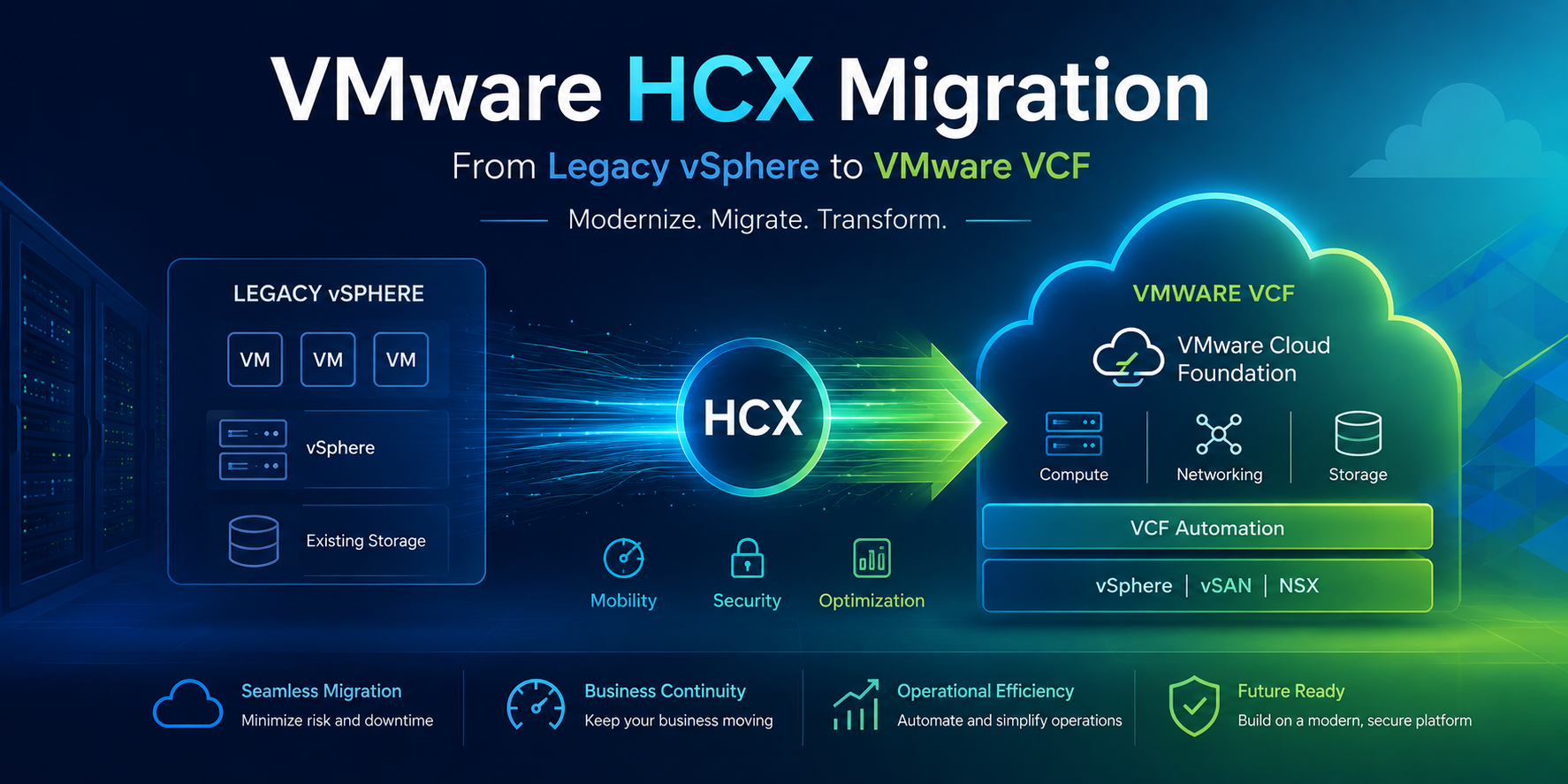
VMware Migration Services
A Consult Circle technical guide to VCF migration planning, HCX pre-checks, and Bulk vs. RAV migration strategy.
Broadcom's licensing changes and the retirement of standalone vSphere and vCenter as an independent SKU have pushed a lot of organisations towards VMware Cloud Foundation faster than they planned for. Most of these environments didn't start life as VCF. They're legacy vSphere 7 or 8 estates, built up over a decade of hardware refreshes, with a mix of standalone hosts, a couple of vCenters, and workloads nobody wants to touch because “it just works.” Getting from that state into a properly built VCF 5.x or VCF 9.x environment isn't a lift and shift job you can wing over a long weekend. It's a project with real technical dependencies, and this is exactly the gap that professional VMware Migration Services exist to close.
VMware Migration Services
Planning a move from vSphere to VMware Cloud Foundation?
Consult Circle scopes, designs and executes HCX-based VCF migrations end to end, from VM audit through to cutover runbook.
The tool that makes a vSphere to VCF migration possible without a forklift outage is VMware HCX, now branded VCF Operations HCX in the 9.x line. This article walks through what actually needs to happen before you touch a migration wizard: the pre-checks, the difference between Bulk Migration and Replication Assisted vMotion (RAV), the appliance sizing you need to budget for, and the kind of resourcing a genuine Migration to VCF Services engagement needs. We've run enough of these at Consult Circle to know where people get caught out, so consider this the field notes version rather than the marketing brochure.
Why Organisations Need VMware Migration Services Now
The driver behind most VCF migration projects right now is commercial rather than technical. Perpetual vSphere licensing has been withdrawn, subscription models have changed the cost structure of running a standalone vSphere estate, and VCF has become the default path forward for anyone staying on the VMware platform. That means a lot of infrastructure teams who were never planning a platform migration this year suddenly have a deadline attached to one.
This is where dedicated VMware Migration Services add the most value. A vSphere to VCF migration touches compute, networking, storage, and licensing all at once, and very few internal infrastructure teams run this kind of migration often enough to have the muscle memory for it. Getting external Migration to VCF Services involved early, ideally at the assessment stage rather than the week before cutover, is consistently what separates a smooth migration from a stressful one.
What HCX Actually Does
HCX isn't a single migration mechanism. It's a mobility platform that sits between a source and destination vSphere environment and gives you several different ways to move workloads, each suited to a different risk profile and downtime tolerance.
- Bulk Migration uses vSphere Replication under the hood. VMs are replicated to the destination, and at a scheduled cutover window HCX performs a quick power off and power on switchover. It tolerates high latency and jitter well, and it scales to large numbers of concurrent VMs, but every VM takes a short outage at cutover.
- HCX vMotion (sometimes called Cloud vMotion) is a live migration with zero downtime, using the same vMotion technology you already know, just tunnelled across sites. It's sensitive to latency and is limited to two concurrent vMotions per ESXi host, so it doesn't scale well for large waves.
- Replication Assisted vMotion (RAV) is the one most large-scale VCF migration projects end up leaning on. It combines vSphere Replication for the bulk of the data movement with a live vMotion switchover at the end, giving you the scale of Bulk Migration with the near-zero downtime of vMotion. It's an HCX Enterprise licensed feature.
- Cold Migration and OS Assisted Migration (OSAM) exist for edge cases: powered off VMs, or non-vSphere sources such as Hyper-V or KVM where there's no source vCenter to hook into.
For most legacy vSphere to VCF projects, the real decision is between Bulk and RAV, and that decision is driven by application tolerance for downtime and available network bandwidth, not by which one sounds more impressive on a slide.
The Pre-Migration Checklist for a VCF Migration
This is the phase we get called in for most often as part of our VMware Migration Services, because it's the phase that determines whether the migration goes smoothly or turns into a six month fire-fighting exercise. Before any HCX appliance is deployed, run through this checklist in full.
Platform and version compatibility
- Confirm the exact vSphere and ESXi build on the source, cross-referenced against the HCX Interoperability Matrix for the target VCF version.
- Confirm HCX version compatibility between the source HCX Connector and the destination HCX Cloud Manager; mismatched builds will fail to pair.
- Confirm the NSX and vCenter baseline versions required by the target VCF 5.x or VCF 9.x release, since these differ significantly between versions.
- Check the minimum target vSphere build required for RAV migrations to VMFS6 datastores, since a brand new VCF management domain is not automatically assumed compatible.
VM eligibility audit
- Confirm virtual hardware version is 9 or higher across the estate.
- Identify VMs using shared SCSI bus, multi-writer disks, Fault Tolerance, or shared VMDK disk sharing, since these are not supported for RAV migration.
- Identify VMs with Independent Persistent or Independent Non-Persistent disks, virtual NVMe controllers, or attached ISOs, all of which block RAV eligibility.
- Confirm no VMware infrastructure appliances (vCenter Server, NSX Manager) are included in the RAV migration scope; these must be handled separately.
- Flag VMs with attached serial port devices for Bulk Migration instead of RAV, since RAV does not support them.
Network readiness
- Validate outbound TCP/443 connectivity from the HCX Manager to the destination site for site pairing.
- Validate UDP 500 and UDP 4500 connectivity between sites for the IPsec tunnel used by the HCX Interconnect appliances.
- Confirm available bandwidth: a minimum of 100 Mbps per concurrent HCX vMotion, and a minimum of 150 Mbps for RAV migrations.
- Baseline real, sustained throughput using HCX Transport Analytics rather than relying on the rated speed of the WAN circuit.
- Validate MTU consistency end to end if HCX Network Extension will be used to stretch Layer 2 segments across sites.
Licensing and access
- Confirm HCX Enterprise entitlement is active on both source and destination if RAV is part of the migration plan; HCX Advanced does not unlock RAV.
- Create dedicated service accounts with the correct vCenter and NSX roles on both source and destination.
- Confirm distributed virtual switch versions on the source, since older DVS versions may need an upgrade path before HCX Network Extension can attach.
Storage and capacity
- Confirm target datastore capacity and IOPS headroom for the incoming workload profile.
- Confirm source ESXi host CPU, memory, and IOPS headroom, since these directly affect achievable replication throughput.
Running through this checklist properly, before a single HCX appliance is deployed, is consistently the single biggest predictor of whether a Migration to VCF Services engagement finishes on schedule.
Sizing the HCX Appliances
Every HCX deployment consists of a set of virtual appliances, and each one has a real resource footprint that has to come out of existing cluster capacity. This isn't hypothetical infrastructure; it's compute and memory you need to reserve on day one.
| Appliance | vCPU | Memory | Disk |
|---|---|---|---|
| HCX Manager | 4 | 12 GB | 60 GB |
| HCX Interconnect (IX) | 8 | 3 GB | 2 GB |
| HCX Network Extension (NE) | 8 | 3 GB | 2 GB |
| HCX WAN Optimization (WO) | 8 | 14 GB | 100 GB / 5,000 IOPS |
| HCX Sentinel Gateway (SGW) | 8 | 8 GB | approximately 21 GB |
| HCX Sentinel Data Receiver (SDR) | 8 | 8 GB | varies |
These figures apply per appliance, and HCX scales out by deploying additional Service Meshes rather than making a single appliance bigger. By default, a single IX appliance handles the migration service across all clusters in a Service Mesh, but there's a hard architectural ceiling of roughly 2 Gbps of transfer throughput per IX appliance regardless of how much underlay bandwidth is available. If your destination cluster has multiple source cluster pairings, or you need more than around 2 Gbps of aggregate throughput, the answer isn't a bigger appliance, it's more Service Meshes, each with its own IX, ideally landed on separate ESXi hosts with anti-affinity rules so switchovers can run in parallel rather than queuing behind each other.
Best practice for anything beyond a proof of concept is to apply 100 percent CPU and memory reservations to the IX and WO appliances. Without reservation, HCX traffic competes for scheduler time with everything else on the host, and migration throughput becomes unpredictable in exactly the way that makes cutover weekends stressful.
Bulk Migration: Requirements and Fit
Bulk Migration is the workhorse for large scale, less time sensitive moves, think back office application servers, batch processing workloads, or entire dev and test estates where a five to fifteen minute cutover window is acceptable. It's resilient to latency and packet loss because it uses vSphere Replication rather than a live memory copy, which makes it the right choice over higher latency or lower quality WAN links.
The main planning consideration is concurrency. HCX supports a defined number of concurrent Bulk and RAV migrations per HCX Manager, documented per HCX version in the Broadcom Configuration Maximums tool, and this can be increased through a supported resource scaling procedure on the Connector and Cloud Manager appliances. Actual achievable concurrency in practice is governed by source ESXi host CPU, memory, and IOPS headroom, the storage read speed on the source datastores, and the WAN throughput available end to end, not just the HCX imposed ceiling. As part of our VMware Migration Services engagements, we typically run a throughput baseline using HCX Transport Analytics before committing to a wave plan, because “the network team said we have a 1 Gbps circuit” and “the circuit sustains 1 Gbps under real replication load” are frequently two different numbers.
Replication Assisted vMotion: Requirements and Fit
RAV is the migration type most VCF programmes should be building their wave plans around, because it delivers Bulk-like scale with vMotion-like downtime. It works by continuously replicating VMs via vSphere Replication, then triggering a short delta vMotion at a scheduled switchover window, so the VM stays live and serving traffic right up until the final seconds of cutover.
Beyond the general HCX prerequisites, RAV has some specific gates: it needs the Interconnect tunnel active and healthy, a minimum of 150 Mbps throughput, and virtual hardware version 9 or above. If the target datastore is VMFS6, the destination vSphere build needs to be at minimum 6.5 U3f or 6.7 U3, an easy detail to overlook if you're migrating into a freshly built VCF management domain running a much newer vSphere release, since it's the target's compatibility floor rather than its ceiling that catches people out. Change Block Tracking is disabled by HCX during the RAV workflow, and switchover itself happens serially across VMs even when replication was parallel, so your cutover window needs to account for the serial switchover time of the whole batch, not just the largest VM in it. This is a detail that regularly gets missed in customer-built runbooks and ends up eating into maintenance windows.
RAV is also the feature most commonly gated behind licensing. It only activates when HCX Enterprise is licensed on both source and destination, so confirm entitlement before it becomes a wave planning assumption baked into a customer-facing schedule.
Network Extension: The Quiet Dependency
A large share of “simple” migrations get complicated the moment an application team says they can't re-IP. HCX Network Extension solves this by stretching a source Layer 2 segment into the destination NSX environment, so VMs land with the same IP address post-migration. It's genuinely useful, but it's also a piece of production network infrastructure in its own right. Every packet on that extended segment now traverses the HCX NE appliance and the WAN link between sites, which means it inherits every question you'd ask of any other stretched Layer 2 design: MTU consistency end to end, appliance placement away from other heavy dataplane workloads such as NSX Edges, and a plan for when, not if, the segment gets de-extended once the last VM on it has moved. Leaving stretched networks in place indefinitely is one of the more common bits of technical debt we find left behind after a self-run migration.
Common Pitfalls We See on Self-Run Migrations
A handful of issues come up often enough on unassisted vSphere to VCF migrations that they're worth calling out on their own.
Treating the pre-check as a formality. Teams under deadline pressure sometimes deploy HCX first and discover VM eligibility problems mid-wave: a batch of VMs still on hardware version 8, a handful with ISOs mounted from a datastore that no longer exists, a cluster still running Fault Tolerance on a handful of finance VMs nobody flagged. Every one of these becomes a scramble during the migration window rather than a line item resolved weeks earlier.
Undersizing the WAN link, or trusting the number on the contract. A circuit rated for 1 Gbps rarely sustains 1 Gbps under real replication load once other traffic, TCP overhead, and IPsec encapsulation are accounted for. Baseline it with Transport Analytics before committing wave dates to application owners.
Skipping host anti-affinity on scaled-out Service Meshes. If you've deployed multiple IX appliances to push past the single appliance throughput ceiling, but they all land on the same ESXi host through DRS's default placement, you haven't actually gained the parallelism you were scaling out for.
Leaving Network Extension segments stretched indefinitely. Once the last VM has moved off an extended Layer 2 segment, it should be de-extended and the routing normalised in NSX. Left in place, it becomes a permanent, easily forgotten dependency on the source site's infrastructure staying up.
Assuming RAV switchover is instantaneous just because replication was continuous. The replication phase can run in parallel across hundreds of VMs, but the live switchover at cutover happens serially. A wave of 200 VMs doesn't switch over in the time it takes to switch over one; plan the maintenance window against the serial switchover time of the whole batch.
Not validating the target vSphere build against RAV's minimum version floor. This one is counterintuitive because people assume a newer VCF build is automatically compatible, but RAV to VMFS6 datastores has a minimum vSphere version requirement on the target side that's easy to miss when the destination is a brand new management domain rather than the multi-year-old source environment everyone's used to checking.
Resourcing a VCF Migration Project Properly
The technology is only half the equation. The other half is having the right roles engaged at the right time, sized to the estate. A rough model we use when scoping VMware Migration Services engagements looks like this:
- Discovery and audit (typically 3 to 10 consultancy days depending on estate size): full VM inventory, dependency mapping, migration type eligibility scan, network and licensing gap analysis.
- HCX design and deployment (typically 3 to 5 days): Service Mesh design, appliance sizing and placement, Network Extension design where needed, and validation testing with a handful of pilot VMs before committing to a full wave plan.
- Runbook development (typically 2 to 4 days): wave sequencing, cutover windows, rollback procedures, and communication plans, particularly where interdependent applications need to move together.
- Execution (variable, driven by VM count, achievable concurrency, and change windows): this is where consultancy day estimates scale most directly with the size of the estate rather than its complexity.
A realistic engagement for a mid-sized estate, say 300 to 800 VMs across a handful of clusters, typically needs a solution architect for the design phase, a migration engineer running day-to-day wave execution, and a project lead coordinating application owners and change windows, with the network and security teams engaged specifically around the pre-check and Network Extension design stages rather than throughout. Underestimating the discovery phase is the single most common way these projects go over budget: the audit is where you find the VMs that need remediation before they can move, and every one you find during execution instead of during audit costs you a wave slot and a conversation with the application owner you didn't want to have mid-cutover.
Frequently Asked Questions
What is the difference between HCX Bulk Migration and RAV?
Bulk Migration replicates VMs and switches them over in a single scheduled step, with a short outage at cutover. RAV combines continuous replication with a live vMotion at switchover, giving near-zero downtime at similar scale, but it requires HCX Enterprise licensing and slightly higher minimum bandwidth.
How long does a typical vSphere to VCF migration take?
This depends heavily on VM count, achievable network throughput, and application interdependencies, but for a mid-sized estate of a few hundred VMs, a full engagement from discovery through to final wave execution commonly runs several months when phased across change windows rather than run as a single cutover.
Do I need HCX Enterprise licensing for a VCF migration?
Only if you plan to use Replication Assisted vMotion. Bulk Migration and standard HCX vMotion are available on HCX Advanced. If your migration plan relies on RAV for downtime-sensitive workloads, confirm Enterprise entitlement on both source and destination before finalising the wave plan.
Can Consult Circle run the full migration on our behalf?
Yes. Our VMware Migration Services cover the full lifecycle: VM audit, HCX design, runbook development, and hands-on execution, so your internal team isn't carrying the operational risk of a migration type they may only ever run once.
Talk to a VMware specialist
Not sure whether Bulk or RAV fits your estate?
Send us your host, cluster and VM counts and we will come back with a realistic migration approach, appliance sizing and effort estimate.
Where Consult Circle Fits
We run VMware workload migrations from legacy vSphere 8 into VCF 5.x and VCF 9.x using VCF Operations HCX as day-to-day work, not as a one-off project skill. Our Migration to VCF Services cover the audit, the runbook, and the execution as one continuous engagement rather than three separate vendors handing off a spreadsheet to each other, which means we've already made most of the mistakes described above on someone else's environment, so you don't have to make them on yours.
If you're staring down a Broadcom licensing deadline and a legacy estate that was never designed with VCF in mind, the conversation worth having isn't whether HCX can do this; it almost always can. The real question is how many days of audit, design, and hands-on execution a VCF migration for an estate your size actually needs. That's the scoping call Consult Circle is happy to have.
Related Guides in This Series
- VMware Migration Services: How to Scope, Price and Run a VCF Move
- How to Migrate to VCF Using HCX: A Step by Step Walkthrough from Site Pairing to Cutover
- vSphere to VCF Migration and Upgrade Paths: In-Place, Side-by-Side or Greenfield
- VCF Migration Services for vSphere 7 and 8 Estates: What Changes After End of Support
- The Complete VMware HCX Migration Checklist: 70 Checks Before, During and After Cutover
- VMware HCX Migration Problems and How to Fix Them
- VMware Cloud Foundation 5.x vs VCF 9.x: Key Differences